Collected Home
How to Rotate a Collection Instead of Displaying Everything at Once
You do not have to display every valued piece at the same time. Build an active display, an accessible rotation layer and a protected archive so more of your collection gets a turn without overcrowding the room.
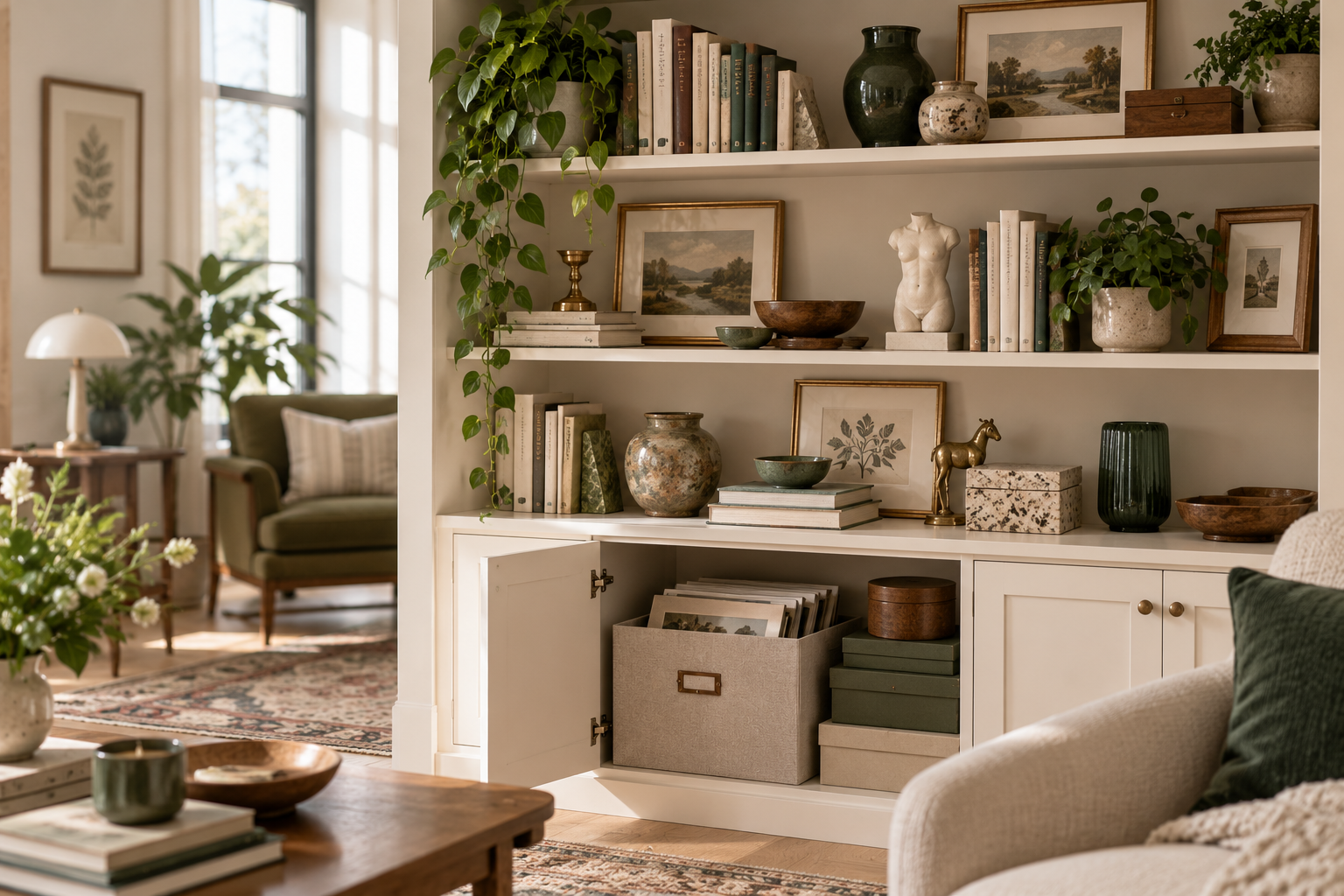
You can value more objects than your shelves can comfortably display.
That does not mean the collection is too large.
It may simply mean the visible layer is trying to do too much.
When every valued piece has to stay out at once, displays can become crowded, favourite objects lose their impact and shelves become difficult to use.
A collection rotation system creates another option.
Some pieces can be visible now.
Some can stay accessible for the next display.
Some can be protected in longer-term archive storage.
Nothing has to become less meaningful simply because it is not currently on the shelf.
If the wider home needs structure first, start with Maximalist Home Organization: How to Make More Stuff Feel Intentional.
You do not have to display everything you value
Displaying an object and valuing an object are not the same thing.
A collection may contain:
- seasonal favourites
- fragile pieces
- objects that work better in certain groupings
- items you enjoy more when they return after time away
- pieces with strong sentimental value
- objects that simply exceed the comfortable display space
Trying to keep all of them visible can make the current display harder to appreciate.
Rotation works because it accepts a simple truth:
Not every valued piece needs to be visible right now.
Use four clear destinations
A useful collection system can give objects four different roles.
Display
I want this visible now.
The piece contributes to the current room, display or story.
Rotate
I value this, but it does not need to be visible right now.
It stays accessible so it can come forward later.
Archive
I want to protect this rather than display it regularly.
This may include rare, fragile, deeply sentimental or infrequently handled pieces.
Release
This no longer belongs to the collection I want to maintain.
This may eventually mean selling, gifting, donating, recycling or passing the object on.
The important distinction is that Rotate and Archive are real destinations.
They are not disguised “maybe I should get rid of this” boxes.
That makes rotation useful for people who genuinely want to keep their collection.
Choose the display boundary before choosing the pieces
Before deciding what stays visible, decide how much display space the collection gets.
This might be:
- two shelves
- one cabinet
- one wall
- one mantel
- a console
- the top half of a bookcase
- one table
This is the collection's visible Space Budget.
Then choose what deserves that space now.
The boundary keeps the display from expanding simply because another piece enters the home.
It also makes rotation easier because there is a clear amount of visible territory to work with.
Choose the active display
Now decide what you want to see in the current layer.
Ask:
- Which pieces feel most interesting right now?
- Is there a seasonal or personal reason to bring something forward?
- Which objects work well together?
- What should the eye notice first?
- Which items have been hidden for too long?
- Which pieces have had a long turn and could rest?
The active display does not need to be objectively “the best” part of the collection.
It only needs to be the layer you want visible now.
If arranging that visible layer is the hard part, How to Display Collections Without Looking Cluttered covers focal pieces, grouping, varied height and visual rest.
Build a rotation layer you can actually use
Rotation fails when the stored pieces become too difficult to retrieve.
If the next set of objects is:
- buried behind unrelated boxes
- in an unlabelled container
- stored somewhere awkward
- packed so tightly that accessing one piece requires unpacking everything
they are unlikely to rotate back into the home.
The rotation layer should be accessible enough that changing the display feels manageable.
Ask:
Could I retrieve one piece from this layer without dismantling the storage area?
If not, simplify the storage.
Keep archive different from rotation
Not every stored object needs the same level of access.
The rotation layer is for pieces you expect to bring forward again relatively easily.
The archive layer is for objects you value and want to protect, but do not need in regular circulation.
A useful archive has:
- a defined category
- a clear location
- suitable protection
- a label or simple index
- enough accessibility to retrieve something when needed
- a physical capacity
For example:
Rotation: a labelled cabinet shelf of ceramics you swap seasonally.
Archive: a protected box of fragile inherited pieces you only access occasionally.
Separating the two prevents the active rotation pool from becoming an enormous storage category.
Label by collection, not “miscellaneous”
A useful archive should tell you what is inside without requiring a full search.
Avoid labels such as:
- misc
- stuff
- decor
- random
- extra things
Use the collection's real identity.
For example:
- botanical prints
- travel postcards
- family photographs
- 1970s records
- blue-and-white ceramics
- winter display pieces
The label does not need to describe every object.
It only needs to make retrieval predictable.
Choose a rotation trigger instead of a strict schedule
You do not need a complicated calendar.
Rotate when the collection benefits from feeling fresh.
Possible triggers include:
- a new season
- a new acquisition
- a holiday
- a special occasion
- a change in mood
- every three or six months
- when the current display stops feeling interesting
The trigger should make rotation easier, not create another obligation.
For some collections, twice a year is enough.
For others, a new acquisition naturally prompts a small display change.
Choose the rhythm that fits the collection and the way you live.
Before putting something away, decide where it will live
Do not create a temporary “rotation pile.”
When a piece leaves the active display, decide immediately whether it is:
- rotating
- archiving
- relocating within the collection
- ready for later review
Then move it to that destination.
This closes the loop.
Otherwise rotation can create exactly the clutter it was supposed to prevent: objects removed from shelves but left in boxes, on tables or in spare-room piles.
Before bringing something out, decide what space it will use
The same rule works in reverse.
Before bringing an archived or rotating piece into the display, decide:
Where will it go?
If the display already fills its Space Budget, something else may need to rotate out first.
That keeps the visible boundary intact.
A new piece should not automatically mean a larger display footprint.
Sometimes the better answer is a swap.
Rotation can help favourite pieces become visible again
One sign that a collection needs rotation is that favourite objects have become buried by density.
Perhaps you still love everything on the shelf, but nothing stands out.
Moving a few pieces into rotation can let stronger objects become visible again.
You can always bring the others back later.
This is not the same as reducing the collection.
It is giving different parts of the collection a turn.
Use new acquisitions as a natural review point
When something new enters the collection, ask:
- Does it join the active display?
- Does another piece rotate out?
- Does it belong directly in the archive?
- Does the collection still fit its Space Budget?
- Does the grouping logic still work?
This does not need to become a one-in-one-out rule.
It is simply a moment to integrate the new piece instead of letting it become homeless.
A collection stays easier to manage when acquisitions enter the system deliberately.
What if the collection still feels too large?
Rotation is not meant to hide a collection that no longer fits the life or space you want.
If you have:
- a clear display boundary
- accessible rotation storage
- a useful archive
- a grouping system
- protected room function
and the collection still feels difficult to maintain, step back.
Use Collection or Clutter? How to Tell the Difference Without Becoming a Minimalist to check whether the issue is the system, the current Space Budget or a genuine need to review some pieces.
The point is to make that decision with better information.
A simple rotation setup
Choose one collection.
Then create three active layers.
Active display
What do I want visible now?
Next rotation
What do I value and want to bring forward later?
Archive
What should remain safely stored for longer?
Then choose:
Display boundary:
How much visible space does this collection get?
Rotation trigger:
What will remind me to refresh it?
Storage location:
Where can rotating pieces remain easy to retrieve?
Archive location:
Where can protected pieces stay safe and identifiable?
You do not need a perfect system on the first try.
You need one that lets objects move between visible and stored layers without creating a pile.
Rotation should make the collection feel fresh, not create more work
A collection does not have to be static.
Changing a few pieces can make familiar objects visible again.
It can let seasonal items have a turn.
It can make space for a new acquisition without permanently increasing the display.
It can give fuller collections enough visual breathing room without asking you to own less.
Display what you want to enjoy now.
Keep the next layer accessible.
Protect what belongs in the archive.
Then let the collection change with you.