Home Reset
10-Minute Living Room Reset: Make the Seating and Main Surface Usable Again
When the living room is covered in cups, blankets and things from other rooms, use this 10-minute order to recover the seating and main surface without starting a full clean.
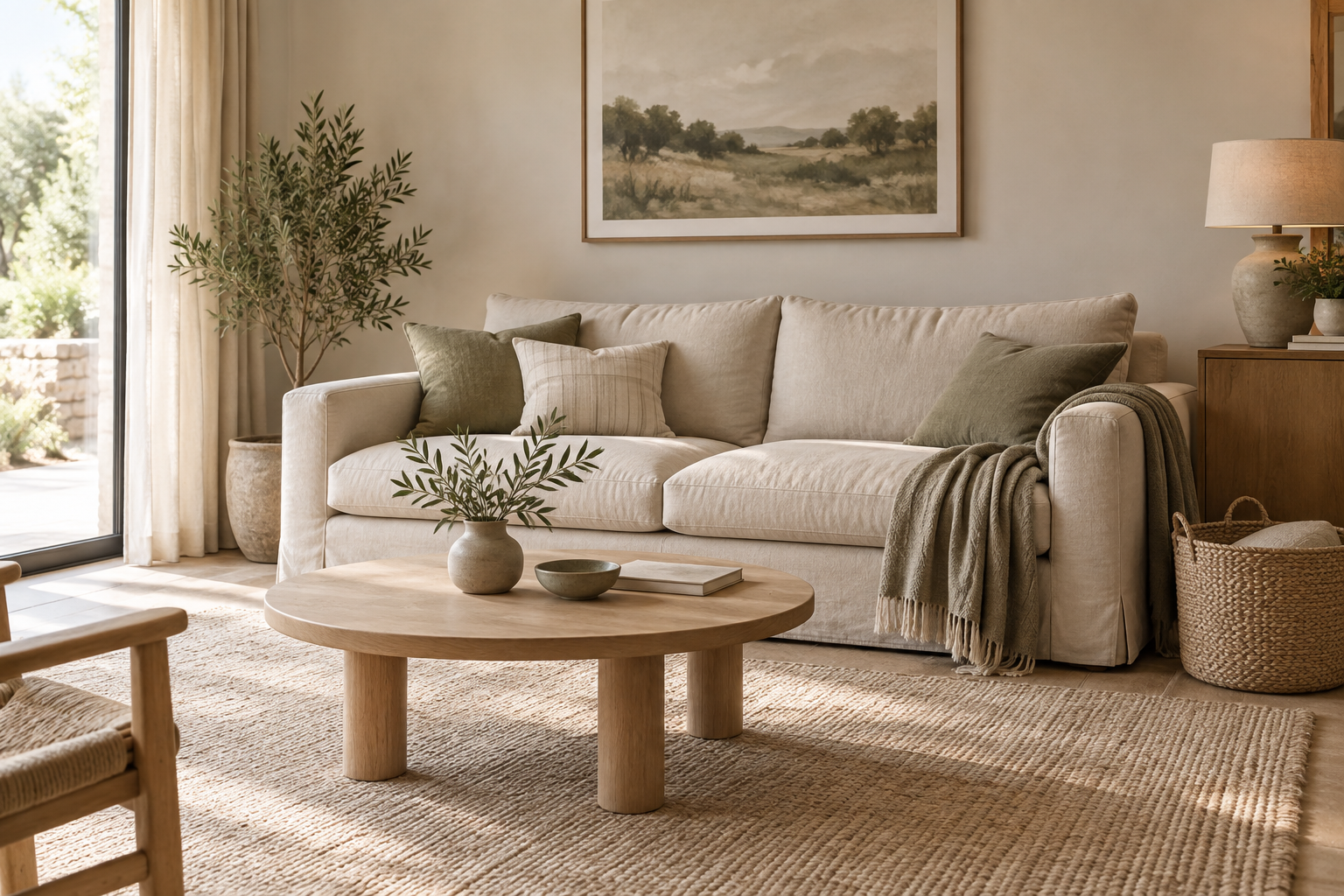
A living room often looks dramatically messier than the amount of work it actually contains.
A few cups, a blanket, stray clothing, toys, chargers and objects from other rooms can cover the seating and main surface quickly.
The fastest fix is not to start cleaning every corner.
Restore the two functions that change the room most:
somewhere comfortable to sit and one usable main surface.
This 10-minute version uses the same priority order as a fuller living-room reset, compressed for a shorter window.
For the general method behind room resets, see the 15-Minute Home Reset.
Choose the finish line before you start
Your 10-minute finish line is:
At least one person can sit comfortably and use the main surface.
That might mean the whole room still contains unfinished work.
That is fine.
Set a timer for 10 minutes.
Do not renegotiate the job once you begin.
Minutes 0–2: remove rubbish, cups and snack items
Start with the easiest visual wins.
Collect:
- obvious rubbish
- empty packaging
- cups
- plates
- snack bowls
- food items
Move dishes to the kitchen, but do not begin washing them.
You are resetting the living room, not starting a kitchen task.
If you keep leaving the room to complete every item you touch, the timer will disappear into side quests.
Make the transfer and come back.
Minutes 2–4: reset the soft items
Next, deal with the things that make the seating look unavailable.
Quickly:
- fold or contain blankets
- straighten cushions
- gather stray clothing
- move throws back to their normal place
Do not aim for styled, symmetrical cushions unless that genuinely takes only a few seconds.
The purpose is to make the sofa or chair usable again.
If someone can sit down comfortably, this part has worked.
Minutes 4–6: fill an elsewhere basket
Now collect objects that belong in other rooms.
Examples might include:
- toys
- books
- chargers
- paperwork
- hair accessories
- shoes
- hobby items
- toiletries
- objects carried in from the bedroom or kitchen
Do not leave the room to return each item.
Place them in one elsewhere basket.
This protects your attention.
One of the easiest ways to turn a 10-minute reset into a 30-minute wander around the house is carrying every displaced item to its final home as soon as you touch it.
Contain first.
Return later.
Minutes 6–9: clear the main surface
Choose the surface that changes the room most.
Usually that is:
- the coffee table
- side table
- media surface
- central ottoman
- another frequently used flat surface
Clear enough of it that the surface can do its job again.
If an object has an obvious nearby home, return it.
If it belongs elsewhere, use the basket.
If it requires a decision, do not make that decision now.
You are not decluttering the room.
You are restoring one useful surface.
Minute 9–10: close with one visual detail
Use the final minute to signal that the reset is finished.
Choose one:
- adjust the lighting
- open the curtains
- straighten one focal point
- place the remote in its normal spot
- align one blanket or cushion
- remove the filled elsewhere basket from the room
Then stop.
A closing detail is useful because it gives the routine a clear end instead of inviting another ten minutes of styling.
What should you do with the elsewhere basket?
The basket is a temporary attention tool, not permanent storage.
After the timer, either:
- take one quick pass through the home and return obvious items, or
- schedule a separate basket reset when you have more time
Do not leave the basket in the living room indefinitely.
The point is to keep the room reset focused without simply hiding the same clutter in a new container.
What not to do during a quick living-room reset
Avoid tasks that look related but belong to a different job.
Do not sort shelves
Bookshelves and display storage can become an organizing project quickly.
Do not untangle cables
Collect obvious chargers if needed, but cable management is a separate task.
Do not deep-clean
Vacuuming the whole room, washing windows or detailed dusting can wait unless one quick action genuinely fits the timer.
Do not style the room
A reset restores function. Styling is optional.
Do not leave repeatedly
This is why the elsewhere basket matters.
If visitors are coming
If the living room reset is happening because someone is already on the way, widen your attention beyond the room.
A guest also needs a usable entry and bathroom.
Switch to the Guest-Ready Home Reset so the full visitor path gets the right attention.
If the whole home needs a reset
Do not automatically spend ten minutes in every room.
Sometimes one room is the problem. Sometimes the whole home needs a broader category pass.
The 15-Minute Home Reset helps you choose the right type of reset rather than turning one routine into an all-house project.
Pair the living room with the bedroom only when it helps
If you are closing the house for the evening, you may want the living room usable now and the bedroom ready for sleep next.
Do them as separate resets.
Finish the living room first.
Then, if you still have the time and energy, use the 15-Minute Bedroom Reset.
Keeping the routines separate protects the finish line.
Make the next living-room reset easier
Notice what keeps appearing.
If the same item repeatedly lands in the living room, ask:
- Does it need a home closer to where it is used?
- Is the current home too difficult to return to?
- Would one broad basket work better than several detailed categories?
- Is the main surface being asked to do too many jobs?
- Does the room need one deliberate landing place?
Do not solve all of those questions during the reset.
Use the reset to notice the friction. Improve the system later.
Your 10-minute living room reset at a glance
0–2 minutes: Remove rubbish, cups and snack items.
2–4 minutes: Fold blankets, reset cushions and gather clothing.
4–6 minutes: Collect elsewhere items into one basket.
6–9 minutes: Clear the main surface.
9–10 minutes: Finish one visible detail and stop.
The living room does not need to be perfectly tidy.
It needs somewhere to sit, somewhere to put something down and a simple route back to usable.